Add a "You'll Also Need" Line to Every Product That Needs One
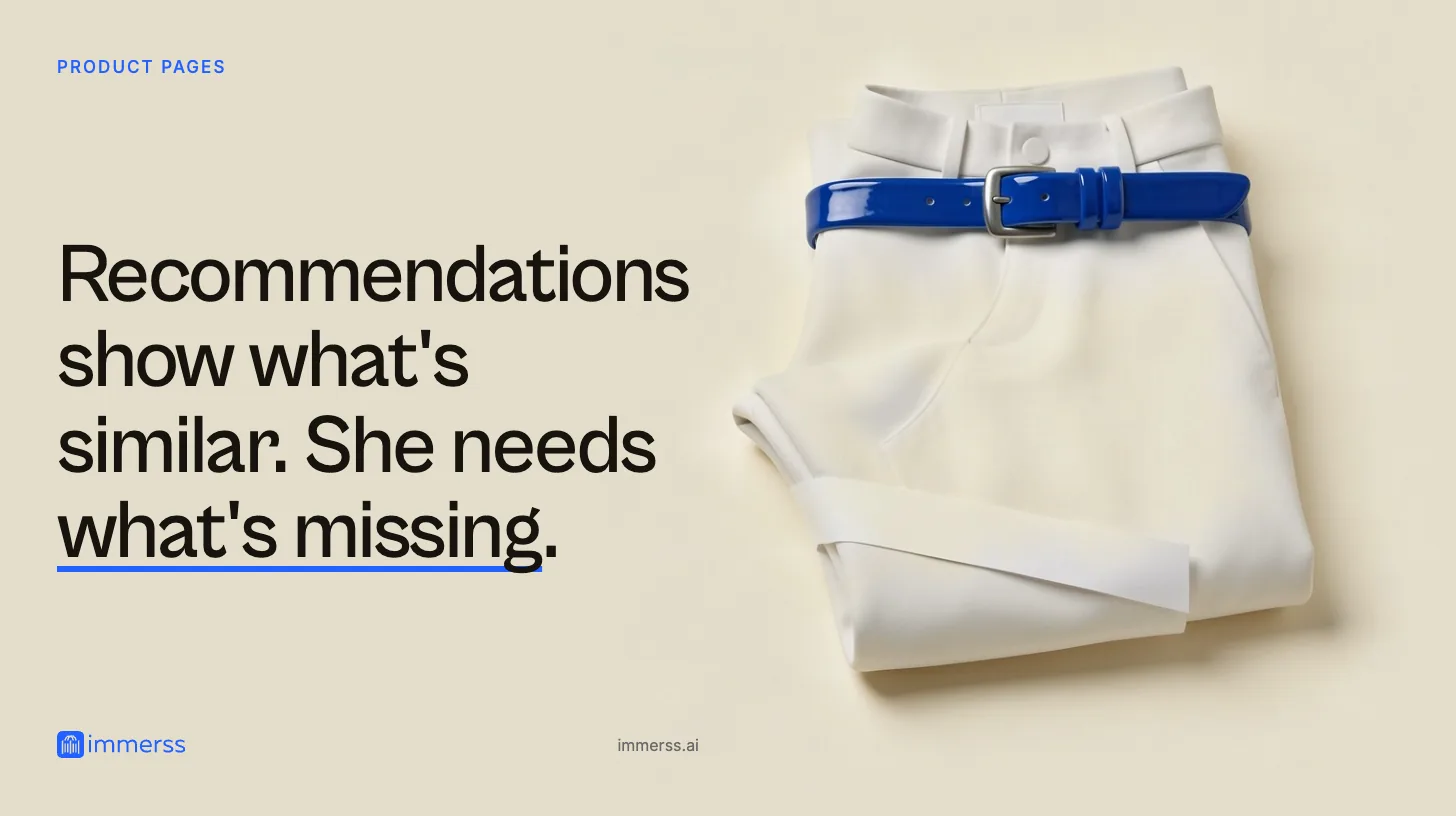
Recommendation rows suggest what's similar. Shoppers need to know what's missing: the bulb, the battery, the adapter. How to find the gaps and close them.
A lamp that arrives without the bulb it needs. A camera with no memory card. A planter that needs a liner. The shopper finds out at home, and blames the store.
”Like” is not “need”
Most product pages have a recommendations row: You may also like. Customers also viewed.
That row answers a taste question: what’s similar to this? The question that decides whether her purchase works is a different one: what will I also need?
Recommendation rows are usually built on similarity, so they rarely put the bulb next to the lamp. Other lamps, yes. The thing that makes this lamp light up, almost never.
And stores often avoid saying “you’ll also need” because it feels like upselling. It isn’t. It’s the most useful thing a good shop assistant ever says.
If your recommendations go wrong for a different reason, such as a gift order skewing what the store thinks a shopper likes, that’s a separate problem. Ask, Don’t Infer covers it.
What happens when it’s missing
When she discovers the gap at home, one of three things usually follows:
- A return, even though nothing was wrong with the product.
- A review, “bulb not included!”, that warns off the next shopper.
- A second order somewhere else. She buys the missing item from a marketplace, and learns that buying from you means a second trip.
None of these shows up as a problem with the product page. They show up as returns, ratings and lost repeat orders, which is why the gap tends to stay open.
Required vs. recommended
Separate the two, because they belong in different places on the page.
Required: it won’t work without it. A bulb with a specific fitting, unusual batteries, a memory card, an adapter, a mounting bracket. Put this next to the price, where it’s impossible to miss.
Recommended: it works better or lasts longer with it. Suede protector, descaler, a planter liner. This can sit lower on the page, offered lightly.
Mixing them is how the bulb ends up in the spec table under the dimensions, technically on the page and practically invisible.
Write the line
You’ll also need: an E14 bulb (not included). We have a warm-white one that suits the brass. Add it?
If you don’t sell the item, say so anyway:
You’ll also need: any E14 bulb up to 40W. We don’t stock them; any hardware store will.
That second version earns nothing directly. But the product works on day one, which is what she’ll judge you on. It also tells her you’re being straight with her, which makes the first version, on the products where you do stock the part, easier to believe.
A good line is:
- Specific. “An E14 bulb”, not “bulb required”.
- Honest about what’s included. “Not included” says it plainly.
- Useful even if you don’t sell it. Name the standard, the size or the fitting so she can buy it anywhere.
Find the gaps
You don’t have to audit everything. Start where shoppers have already flagged a problem:
- Reviews containing “not included,” “had to buy,” “didn’t come with.”
- Questions starting “does it come with…”
- Returns marked “missing part” or “didn’t work” when the product was fine.
- Second orders: products often followed a few days later by a small related purchase.
For most stores the list is short. A handful of products account for most of the “not included” complaints.
Keep it current
Suppliers change what’s in the box. A new batch ships without the adapter the old one had; a lamp moves to a different fitting. When a product’s contents change, check its line. A wrong “you’ll also need” is worse than none.
What to measure
- Reviews mentioning missing items on the products you fix. These should fall.
- “Does it come with…” questions per product.
- Returns with no defect on products that need a component.
- How often the needed item is bought alongside the product, where you stock it. Count your own; don’t borrow anyone else’s number.
Where Immerss fits
Some gaps you’ll only hear about once. For those, a shopper needs somewhere to ask on the page and get an answer straight away.
Immerss puts an AI sales agent on your store that knows your whole catalog. When a shopper asks “does it come with a bulb?”, it answers straight away, and where you stock the right one, it can add it to her cart. You can see every conversation, so the “does it come with” questions shoppers actually ask are in front of you. When she needs to see something properly, one tap brings a real person onto live video.
Immerss installs on Shopify, WooCommerce, Salesforce or any store by script, and it’s free to start. See how other stores use it in our customer stories, or get started.
“You may also like” is about taste. “You’ll also need” is about whether it works.
Questions
What is a "you'll also need" line?
A short line on a product page that names what the product needs to work or to work well, such as a bulb with a specific fitting, unusual batteries, a memory card or an adapter. It answers "what will I also need?", which a "you may also like" row does not.
Isn't "you'll also need" just upselling?
No. It names what the product requires whether or not you sell it. If you don't stock the item, say so and say where to get it. The point is that the product works on the day it arrives.
Where should the line go on the page?
Required items, the ones the product won't work without, go next to the price where they can't be missed. Recommended items, which make the product work better or last longer, can sit lower on the page.
How do I find which products need one?
Start where shoppers have already told you: reviews containing "not included" or "had to buy", questions starting "does it come with", returns marked "missing part" or "didn't work" when the product was fine, and products often followed by a small related order.